
Just Volleyball Crossplay: PC-Only Reality
Just volleyball is a PC-only Steam release, so console crossplay does not exist. Here is what PC players can do instead: Remote Play, LAN, and family sharing.
Just volleyball does not have crossplay in the console sense, because there is no console version. The game is a Windows PC release on Steam, and the store page lists no PlayStation, Xbox, or Switch build. Crossplay between PC and a console is therefore not a missing feature; it is a feature that has nothing to connect to.
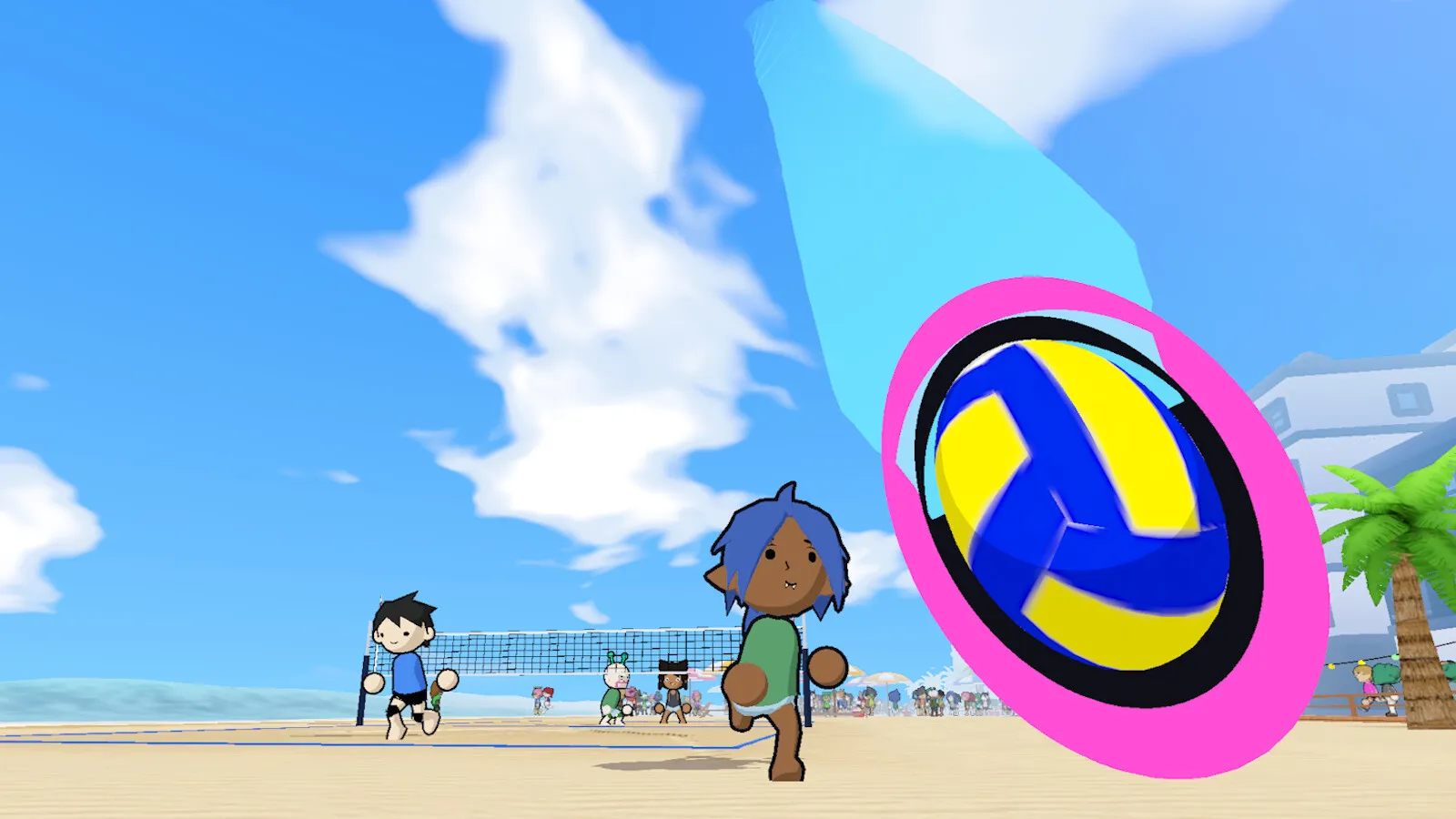
PC-to-PC play works through Steam, LAN, and Remote Play Together. PC-to-console play does not exist because the game has not been announced for consoles.
What "crossplay" means here
Crossplay usually means players on different platforms can join the same match. For just volleyball, the relevant platforms are:
| Platform | Native support | Can play with PC? |
|---|---|---|
| Windows PC (Steam) | Yes | Yes |
| Steam Deck | Via Proton, unofficial | Yes, as a PC |
| macOS | No native build | No |
| Linux | No native build | Via Proton, unofficial |
| PlayStation 5 | Not announced | No |
| Xbox Series X/S | Not announced | No |
| Nintendo Switch | Not announced | No |
The Steam Deck is a PC in this table. If the game runs through Proton, it joins the same PC player pool. That is not crossplay in the marketing sense; it is the same platform with a different form factor.
Why there is no console version
The store page lists Windows only, and the system requirements name Windows 10 and Windows 11. There is no mention of a console certification, a console publisher, or a console launch window. Temkosoft is a small studio, and a simultaneous console launch would be a much larger project than the PC release described on Steam.
That does not rule out a console port later. Small games often ship on PC first and evaluate consoles after launch. But there is no announced plan, no rating, and no store listing. Treat console crossplay as unavailable until a platform holder announces it.
What PC players can do instead
Steam friends and lobbies
The core path is Steam. Add friends, create a lobby, invite them, and play. This works across regions and does not require any extra software.
LAN
LAN is the best option for a room full of PCs. It is not crossplay, but it is the lowest-latency way to play with people in the same building. The multiplayer guide covers the setup.
Remote Play Together
Steam Remote Play Together lets a friend join a local session as a streaming guest. The host runs the game; the guest sends inputs over the internet. The guest does not need to own the game, which makes it the closest thing to "cross-platform" play for a friend on a non-gaming laptop.
The catch is latency. Remote Play is fine for co-op and casual matches and poor for competitive 6v6. Both sides should be wired if possible.
Family sharing
Steam Family Sharing can let a household member play the game on their own account when the library is shared. It is not a way to play simultaneously on one copy; it is a way to share access. The store page lists Family Sharing as a feature.
Crossplay with Steam Deck
The Steam Deck runs the Windows build through Proton. If it works, it joins the same PC pool. There is no separate Deck server, and no crossplay toggle to enable.
The caveat is input. The game is designed around a mouse cursor, and the Deck's trackpads are the closest analogue. A Bluetooth mouse or a docked keyboard and mouse is the better experience. The Steam Deck guide covers the performance and control caveats.
Cross-progression and cloud saves
The developer's feature list mentions cloud save support, and Steam Cloud is listed on the store page. That means your save can follow your Steam account across PCs, including a Steam Deck. It does not mean your progress follows you to a PlayStation or an Xbox, because those versions do not exist.
Cloud save is not the same as crossplay. You can have one without the other. In this case, the cloud save is real (per the store listing) and the console crossplay is not.
What about Mac and Linux?
There is no native macOS or Linux build. Linux users can try Proton, and the Steam Deck is the most common Proton environment. macOS users have no official path; Apple's Game Porting Toolkit is not a supported configuration and may not handle the game's OpenGL renderer well.
If you are on a Mac and want to play, the practical options are a Windows PC, a Steam Deck, or a cloud PC. None of them are crossplay features; they are ways to run the PC build.
Will crossplay be added later?
No announcement exists. A console port would require certification, controller support, and a separate build, and the store page currently does not even list controller support for the PC version. If a console version is announced, crossplay would be a separate decision, not an automatic feature.
The honest answer is: do not buy the game expecting console crossplay. Buy it if you have a Windows PC and friends on Steam, or if you are comfortable with Remote Play for the occasional guest.
The bottom line
Just volleyball is a PC game. PC-to-PC multiplayer is well supported through Steam, LAN, and split-screen. Console crossplay is not available, and there is no evidence that a console version is in development. If you want to play with a friend on a console, the only workaround is a PC-based stream, which is a stretch.
The friends guide covers the practical setups, and the system requirements page tells you whether your PC can run the game.
FAQ
Does just volleyball have crossplay?
There is no console version, so console crossplay does not exist. PC players can play together through Steam.
Is just volleyball on PS5 or Xbox?
No. Only a Windows PC version has been announced.
Can Steam Deck players play with PC players?
Yes, if the game runs through Proton. The Deck is treated as a PC.
Does Remote Play Together count as crossplay?
It is guest streaming, not native crossplay. The guest does not need to own the game, but the host runs it.
Is there cross-progression?
Cloud saves are listed, but there are no console versions to progress across.
Official source: just volleyball on Steam for platform and feature listings, plus Steam Remote Play and Steam Family Sharing.
More just volleyball Guides
Every just volleyball team size explained, from the 1v1 duel to the full 6v6 court, with the best mode for beginners and the settings that change a lobby.
A plain-language just volleyball tutorial: the rally flow, the three-touch pattern, each position, and the fastest way to survive your first online match.
A step-by-step guide to playing just volleyball with friends online, on LAN, in split-screen, or via Steam Remote Play, plus fixes for common lobby problems.
How just volleyball multiplayer works across online play, LAN, split-screen, and co-op, including the server browser, lobby sizes, ping, and moderation.
The free public playtest opened on September 23, 2026 on a separate Steam app. Here is how it differed from the demo and whether it is still running.
The developer quoted a $7.99 base price for just volleyball with a 38% launch discount. Here is what is confirmed, what is not, and how regional pricing works.
The defensive half of just volleyball: how to receive a serve, set a hittable ball, position behind the block, and cover the court without wasting stamina.
Just volleyball still shows November 4 on Steam, but temkosoft says the launch will slip. Here is the current status and the realistic new window.